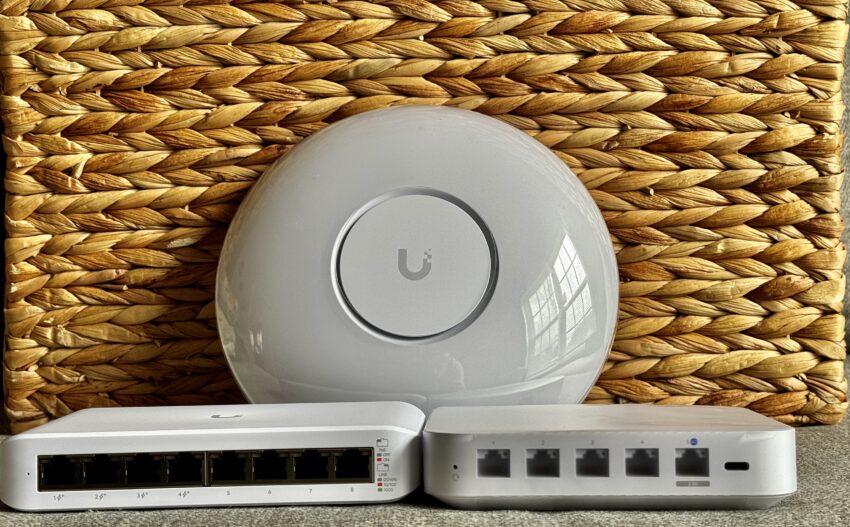
Ubiquiti at MFD11 – Quick thoughts and what’s in the box:
It is always exciting to see an email from Tom inviting you to one of the Tech Field Day events. This year I got to participate in the Mobility Field Day 11 event in May. This was the first time we saw Ubiquiti present at a Mobility Field Day event. Presentations were led by Craig Wojtala, Tom Hildebrand and Andrew Pieper.
Where are we going – Enterprise Strategy:
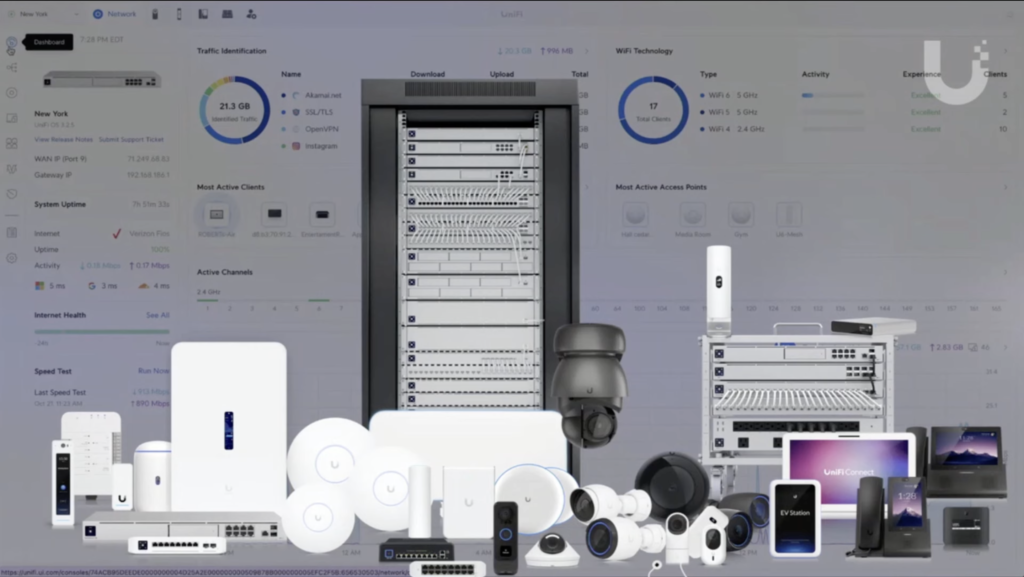
Craig Wojtala was the first to present and his focus was company introduction, road map and future. Ubiquiti well known in the WISP market with the AirMax products and it looks like they have added a huge portfolio of products that can be managed under a single dashboard.
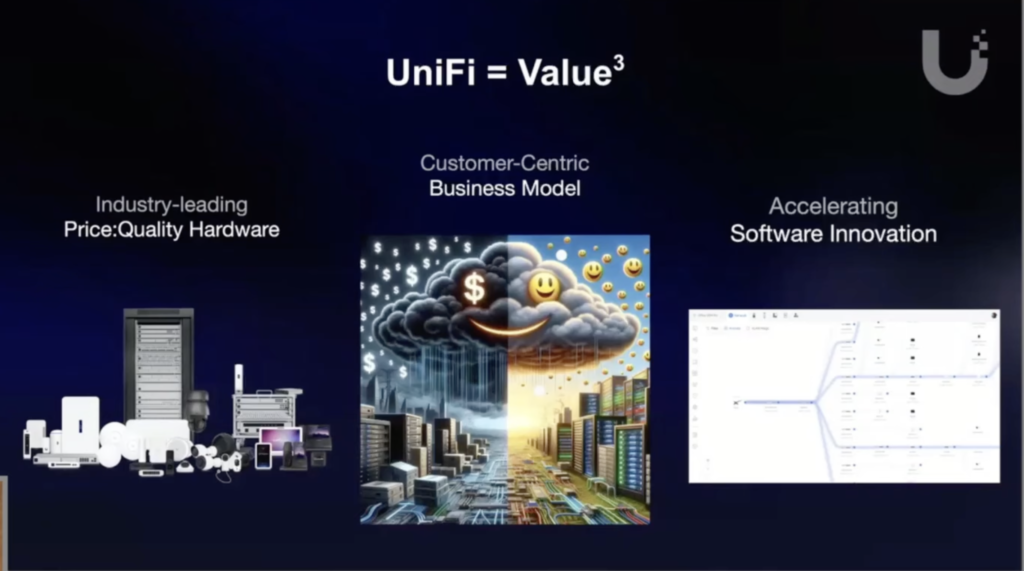
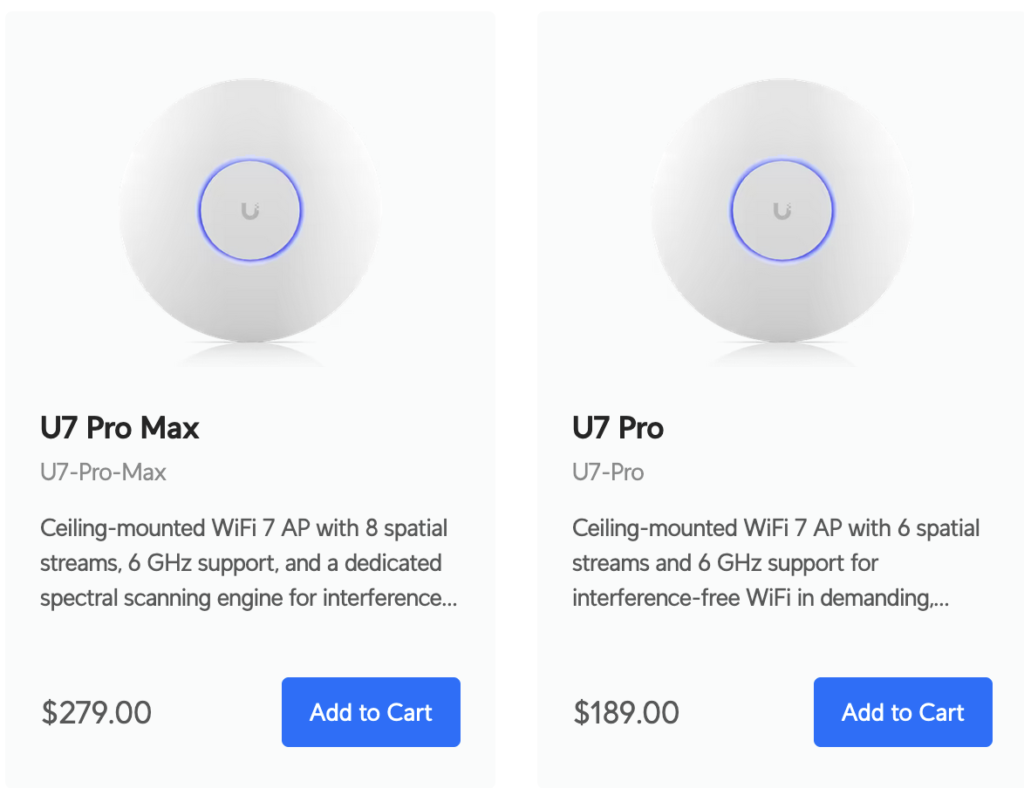
Talking about value, when it comes to pricing, it is nearly impossible to compete with Ubiquit pricing. $279 for a Flagship U7 Pro Max access point with no licensing for the cloud, upgrades etc is a steal indeed. Craig emphasizes on the fact that their goal isn’t to be best of the best of the best and number one on the specs list, nor they want to be low and cheap solution.
Customer Centric Model:
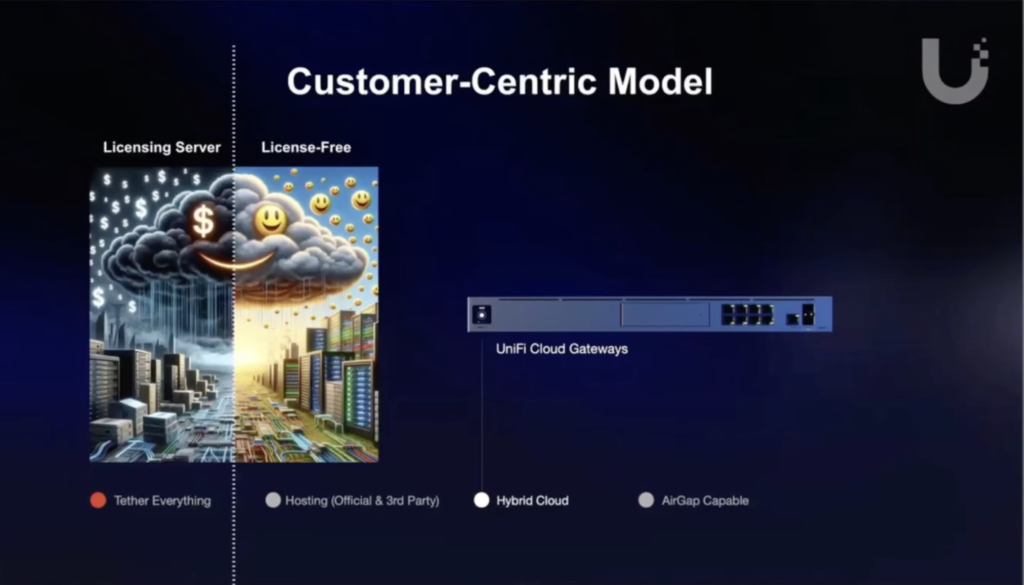
It is interesting to note that Ubiquiti is not binding or tying their hardware to their cloud and/or licensing; as Craig mentioned, there is NO licensing. What this means exactly?
- I can buy Ubiquiti hardware and host it on their cloud.
- I can buy Ubiquiti hardware and host on prem.
- I can buy Ubiquiti hardware and host it with a third party.
- This last option is very interesting because I can see this as a mutually beneficial solution for Ubiquiti as well as the customers. Ubiquiti can offload customers from their cloud (lower cloud costs for Ubiquiti) to a third party.
- Customers can use third party with some possible additional features and custom dashboards etc. APIs, APIs, APIs
- I would like to understand (And I should have asked this question during the session), what happens when customer needs support or if there is an issue with the hardware and customer is hosting the hardware with a third party?
NOTE: As far as I know, one crucial way Ubiquiti can keep the pricing down is by providing technical support via forums only. It is imperative to know that there is no direct support and a number to call when support is needed. But…. keep reading.
Where is Ubiquiti going?
As I mentioned in my video that every time I heard about Ubiquiti, I always thought of the solution as more of a residential/small business solution. Having no real technical support, cost and few other factors around security compliance, for example I can’t find anything solid around GDPR, PCI, HIPAA, SOC, ISO etc.(NOTE: if there are such documents available, please feel free to comment below so that I can update the post for everyone) Some of these factors can certainly make security focused Enterprises not want to go for a solution like this.
But it looks like Ubiquiti is looking to change that as part of their 2024 Enterprise Strategy; Ubiquiti is confident about their hardware and software, now they are looking to get their foot in the door into more complex enterprises and the most crucial step towards looks like is to add “Premium Support” and evolving their hardware to support some advanced features that most enterprise vendors are adding these days; such as adding an additional scanning radio (NOTE: this is only available on the U7 Pro Max).
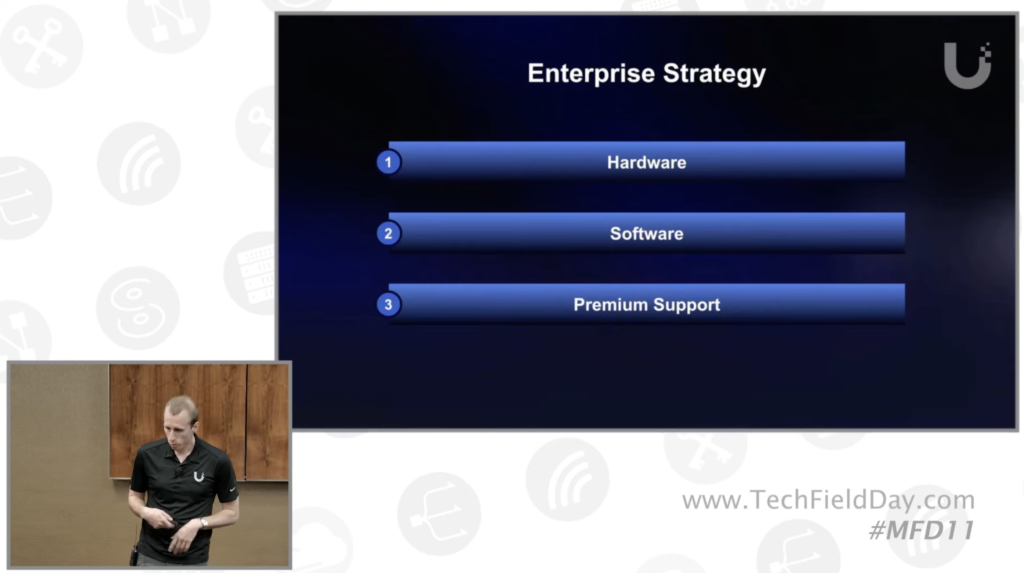
Now I did not know this, but Craig brought up this slide talking about the Professional Services Ubiquiti offers for large scale projects. Ubiquiti uses their internal sales and engineering teams along with the partners/installers to deliver these services. Personally, I do not know anyone who has used these services. So if you have, would love to hear about your experience.
Ubiquiti sells direct as well as through distribution and partners. I’m not certain/clear on their partner program currently, as far as I know there isn’t a traditional channel/partner program like companies generally have with

Tom Hildebrand talks Wi-Fi 7
Honestly, I really enjoyed Tom’s presentation on Wi-Fi 7, from start to finish, good technical content, and most importantly how Tom focused on separating marketing vs reality when it comes to Wi-Fi 7 and other aspects of what Ubiquit offers. When it comes to marketing Wi-Fi, it is a numbers game. Every vendor is looking to put out high numbers for how many users can be connected to a radio or what is the bandwidth a specific technology can offer us. Wi-Fi 7 certainly comes with all the cool features but….

Getting 2300 Mbps in Wi-Fi 7:
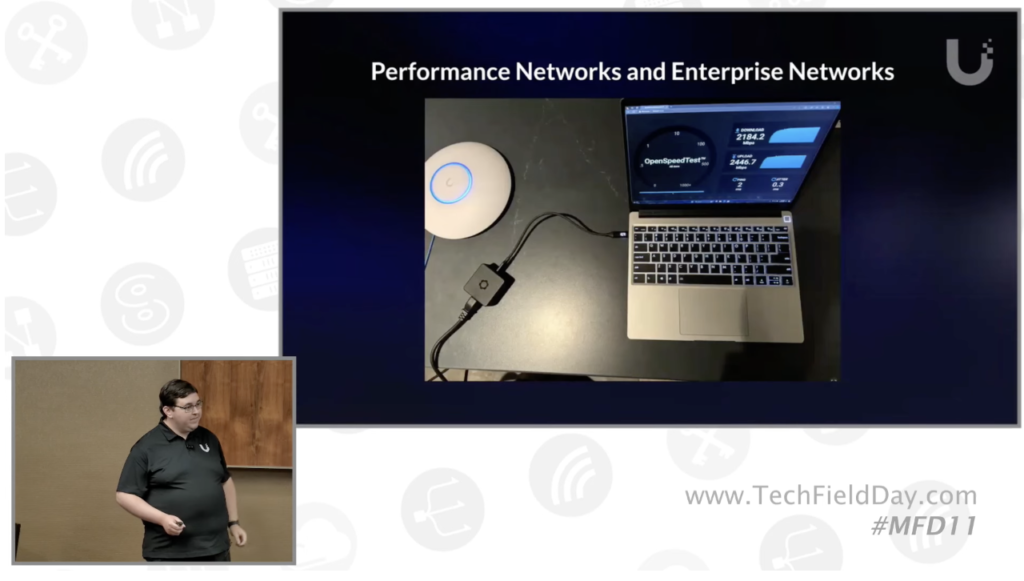
This is how you get that 2300 Mbps number and 496 QAM by setting up that laptop next to the AP in a clean environment and only Wi-Fi 7 clients.
I am always running into conversations around efficiency vs seeing that high number by going to fast.com or speedtest.net. Tom beautiful elaborates this for enterprise networks. It isn’t important for one or two devices to show a higher bandwidth. Tom explains that in an enterprise what matters most is that the network is stable and you are able to connect 100 to 1000 devices that just work.
Think about it, would you rather have a WLAN that can show you some high speed test numbers on one or two devices while you are connected to an access point with 80 MHz channels while rest of the network is suffering, roaming doesn’t work, users keep getting disconnected, applications are running slow etc vs a WLAN where all user devices are efficiently working.
Technology is meaningless without a good user experience
Tom Hildebrand
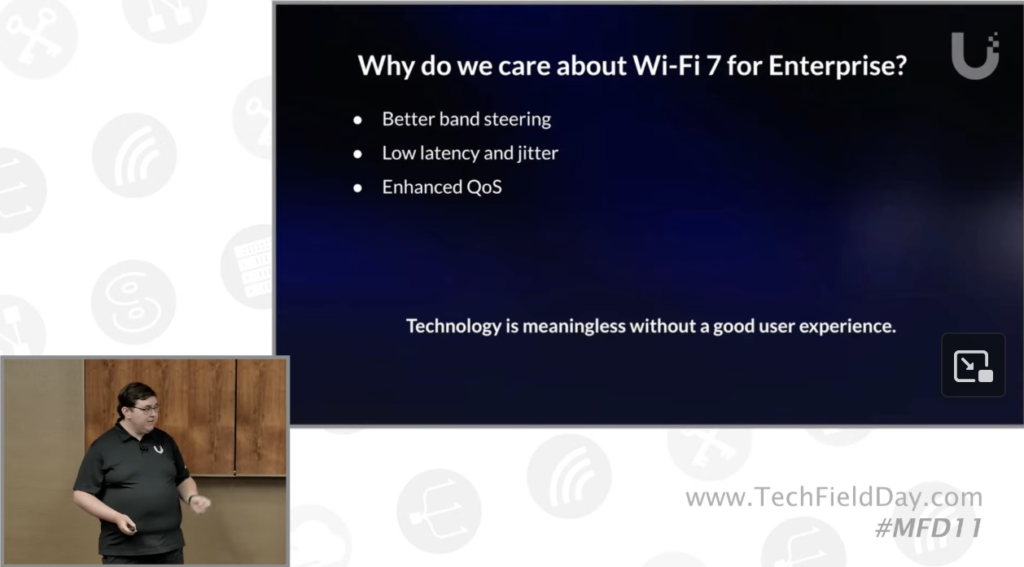
I am not going to go into details of all these as it will be a very long post but I highly recommend watching Tom going over the pcaps and discussing Band Steering, Latency and Jitter and QoS (4:35 in video).
Unrealistic Marketing Numbers:
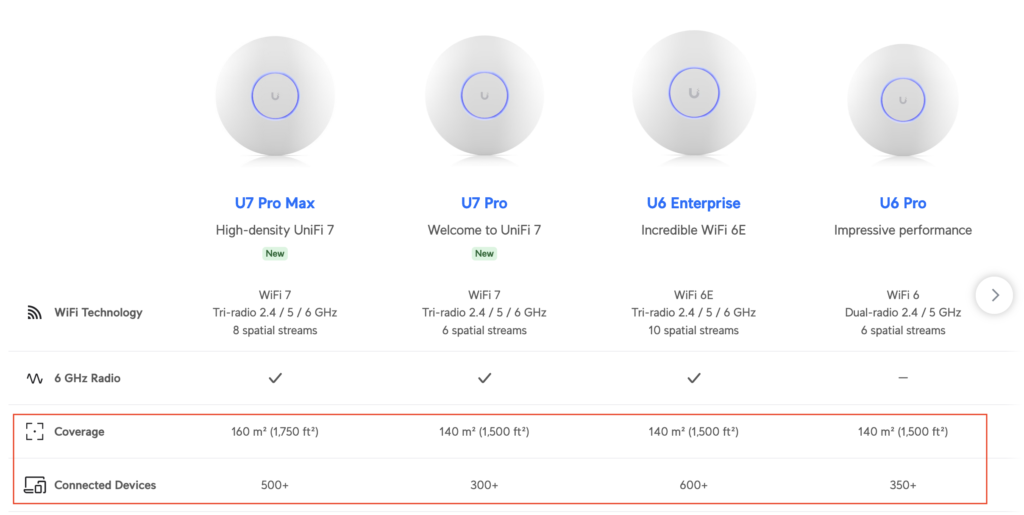
Keith R. Parsons and Ferney Munoz brought up a couple of excellent points around number of clients per radio/AP and the coverage square footage.
Ubiquiti Software – Features, Features and then some more Features:
Who does not love features when it comes to your network hardware and software management. However, features come with a price; not with Ubiquiti, that is exactly what Andrew Pieper started his presentation with. He used an example of someone purchasing a firewall three years ago and as soon as the new feature gets pushed out to the cloud, it is available.
Talking about scale Andrew mentioned that their cloud can scale thousands of sites and there are no issues with performance and no licensing fees.
One question I had was around software and firmware updates to the devices. Many of us engineers do not like vendors pushing out the updates and forcing them on our devices. To my question, Andrew clarified that they do understand this and Ubiquiti allows you to turn off the auto updates and you can do manual updates. What I need to see is how granular I can get with this, for example what if I have 10 sites and I want to push the updates to only 5 sites and then out of those 5 sites I want to only upgrade APs at 2 and switches and gateways at 3 (I know I’m being difficult), but this is important for many enterprises.
Next, what is the process to downgrade if there is a firmware failure, what happens to the device? What if there are issues, how complicated is the downgrade process? NOTE: Since Ubiquiti was generous enough to provide us with some gear, I intend to find some of these answers so keep an eye out for my next blog on Ubiquiti.
Enterprises also have additional demands from vendors, this day and age streaming telemetry, APIs, integration with other management systems and support portals is also crucial. As far as I know, this is not available currently, but based on the feedback from Andrew, this is on the roadmap. How soon? Andrew said this year so looking forward to see what they come up with.
“Why spend a lot of time when you can do it in 30 seconds”
Andrew Pieper
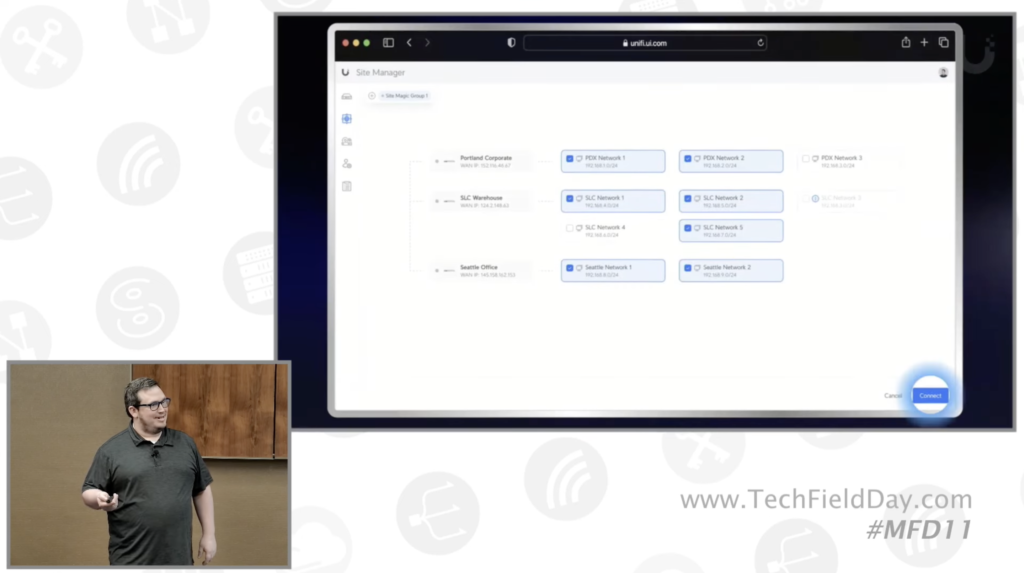
I’ve got to try this SD-WAN connectivity, because Andrew called it “Site Magic” that can setup VPNs in seconds. No setting up Phase 1 and Phase 2, Crypto Maps and all that complicated stuff. Sure does sound great.
My question here would be around troubleshooting and VPN connectivity with third party devices. Something to look into as I dive more into Ubiquiti product line.
Upcoming Additions:
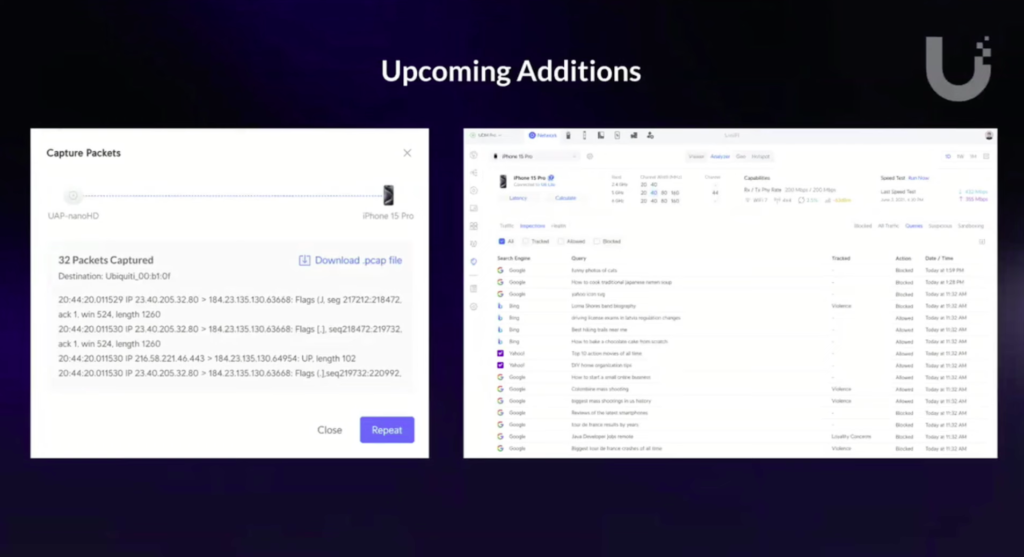
Andrew mentioned couple of Additions and this one stood out to me because this is actually troubleshooting the client and looking at the client experience, downloading and streaming pcaps from the client. This day and age, I feel like this should be a pretty standard feature that every vendor should offer; looks like Ubiquiti understands the importance of Client Experience (What I quoted earlier from Tom) and adding features that can actually help you understand client experience
My final thoughts and wish list:
This is an interesting and exciting development from Ubiquiti to jump into the Enterprise space and looking forward to what they come up with. By the way, I wanted to mention that Ubiquti does have a 24/7 Professional Support option that I just noticed on their website. As always I’d like to talk about my wishilst.
- Enterprise hardware and SKUs for support.
- Channel partner program.
- I believe Ubiquiti does have a certification program, perhaps making it more of a proctored program for the enterprise line of prorducts.
- More security around the cloud platform for the enterprise customers that require high level of security and security certifications to meet compliance standards big enterprises have.
- FedRamp – I know this isn’t an easy one, but doesn’t hurt to ask/want.
- More sophisticated options and features to troubleshoot client and network connectivity; but to be fair, I am mostly assuming here so far what they have since I’ve never used Ubiquiti. I’ll know more details after I bring up their full stack network.
- Cloud NAC, Passpoint, PKI, integration with Jamf, SecureW2 etc.
- Analytics, KPIs, APIs, Telemetry, Integration with design tools like Ekahau, Hamina, Sidos Systems.
- Anything on Private cellular perhaps or integration with another Private Cellular company.
Thank you for reading, as always please feel free to add any feedback, suggestion, correction you may have.
Great blog post Ali. Very interesting.
nice and tidy blog – thanks,