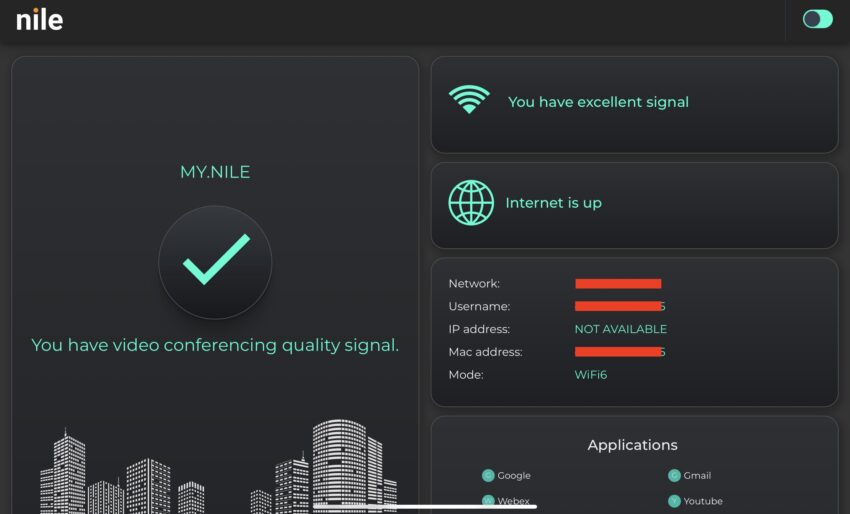
When Nile first came out of the stealth mode few years ago focusing on a fully managed campus/branch wired and wireless architecture with the power of AI and and a whole bunch of thought process from some industry leaders, utility/consumption based pricing model I have been looking forward to a chance to experience the deployment experience. I had an opportunity to see Nile Present at the Networking Field Day – NFD32, (see my write up here) this sparked my curiosity even more. Last month I finally had a chance to experience deploying a wired and wireless Nile solution for a customer with some legacy hardware.
Overview:
- Brownfield deployment.
- Migrate some existing VLANs and create new ones.
- Migrate existing WLANs.
- Migrate old firewalls to new firewalls.
- Replace old core switch to the new core switch.
- Replace all IDF switches with the new switches.
Hardware:
Let’s take a look at some of the hardware. Nile used NWA1000 (indoor) and NWA1050 (outdoor) access points. Both access points are 802.11ax, 4×4:4, 2.4 GHz and 5 GHz.
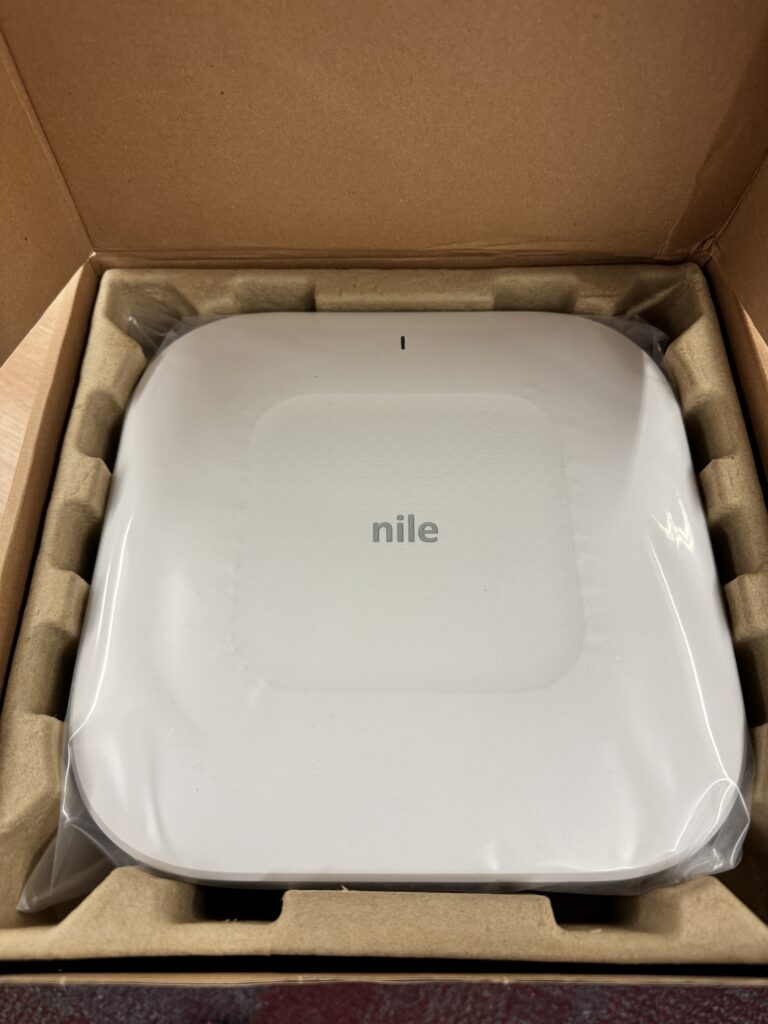
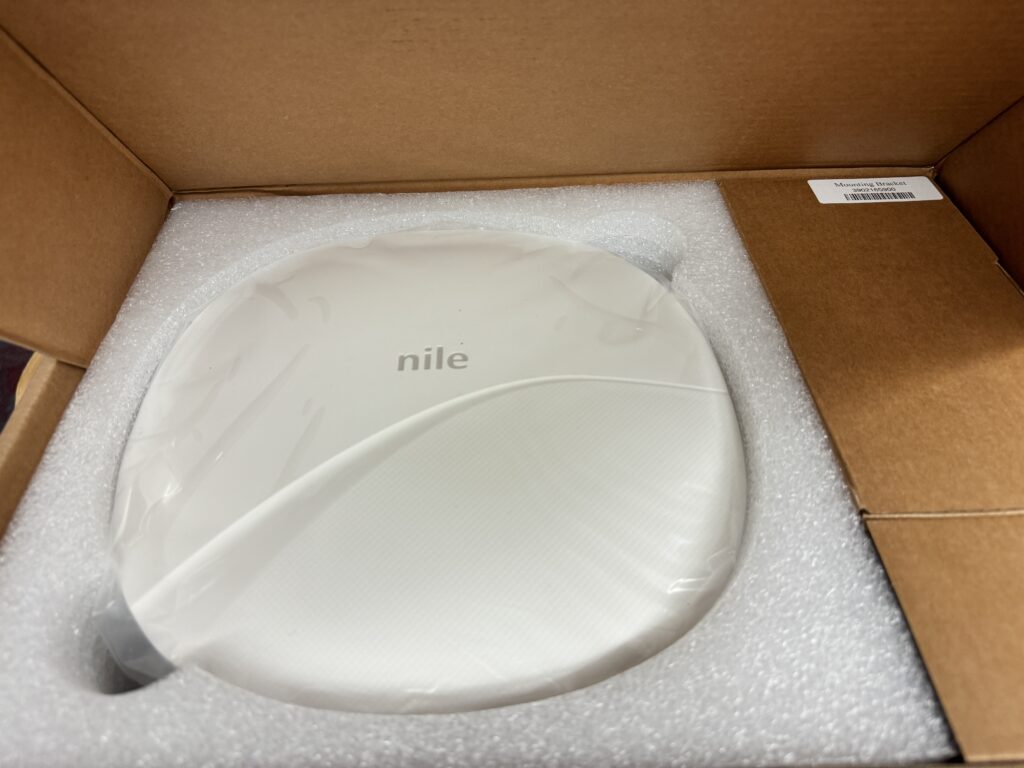
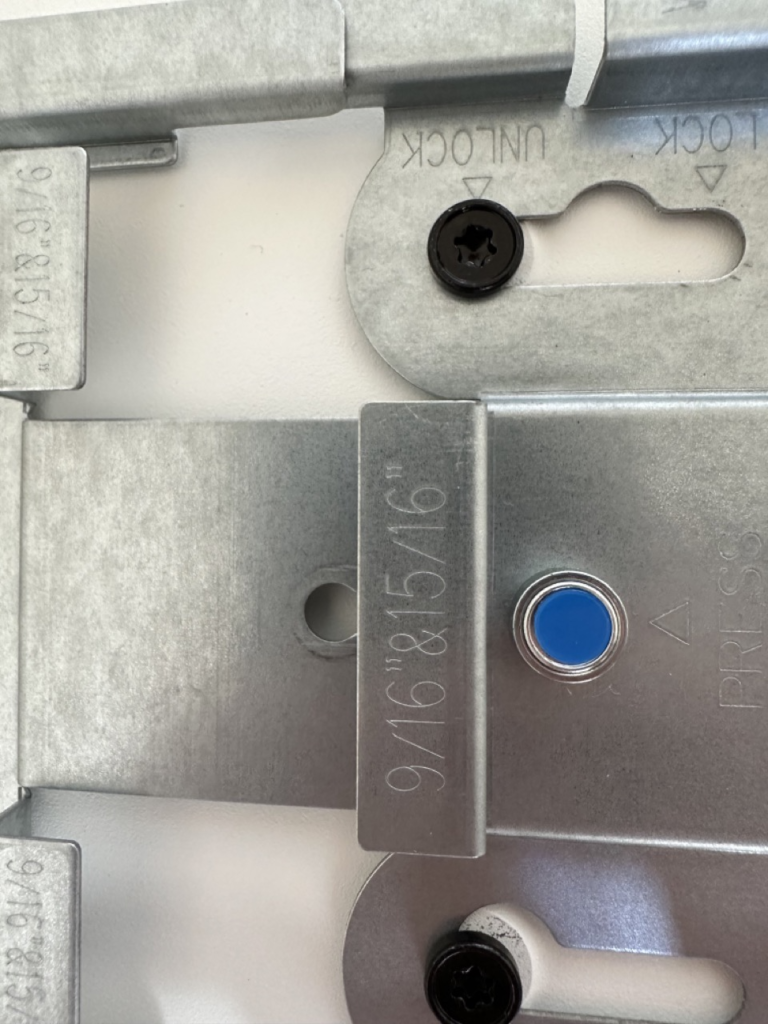
NWA1000 is a Wi-Fi 6 access point with a 4×4 – 2.4 GHz and a 4×4 – 5 GHz radio. Third radio is a 1×1 sensor radio. Nile access point was different as they have taken an interesting approach for the physical install. Let’s talk about the brackets first. It basically comes with a solution that can be used to mount the access point multiple different ways. In my particular case I had 15/16 recessed ceilings. NOTE: There are all different scenarios that are supported for instance:
- 15/16, 9/16
- 15/16, 9/16 recessed
- Open ceiling
- Flat Ceiling
- L-Bracket
- Outdoor articulating mount
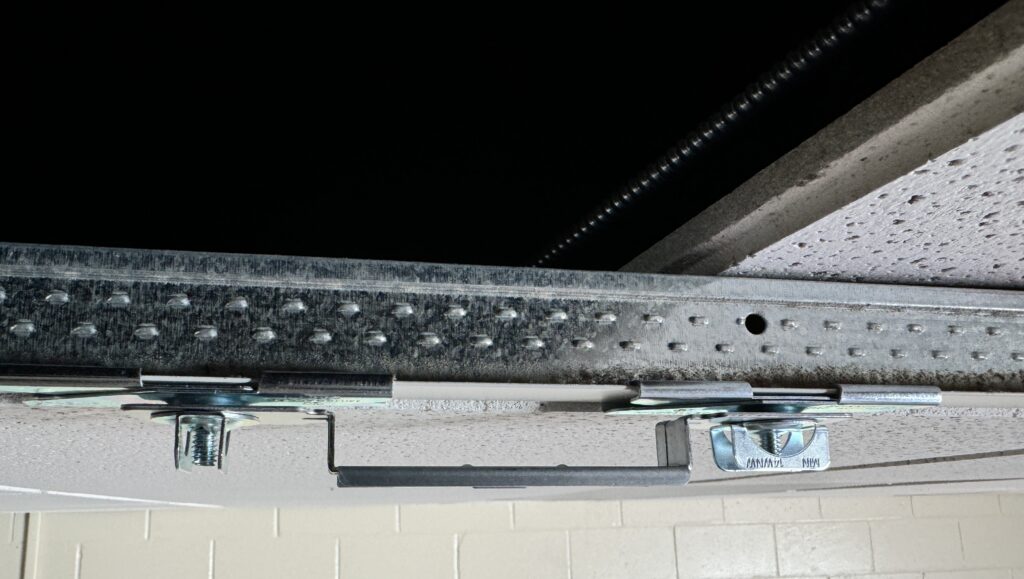
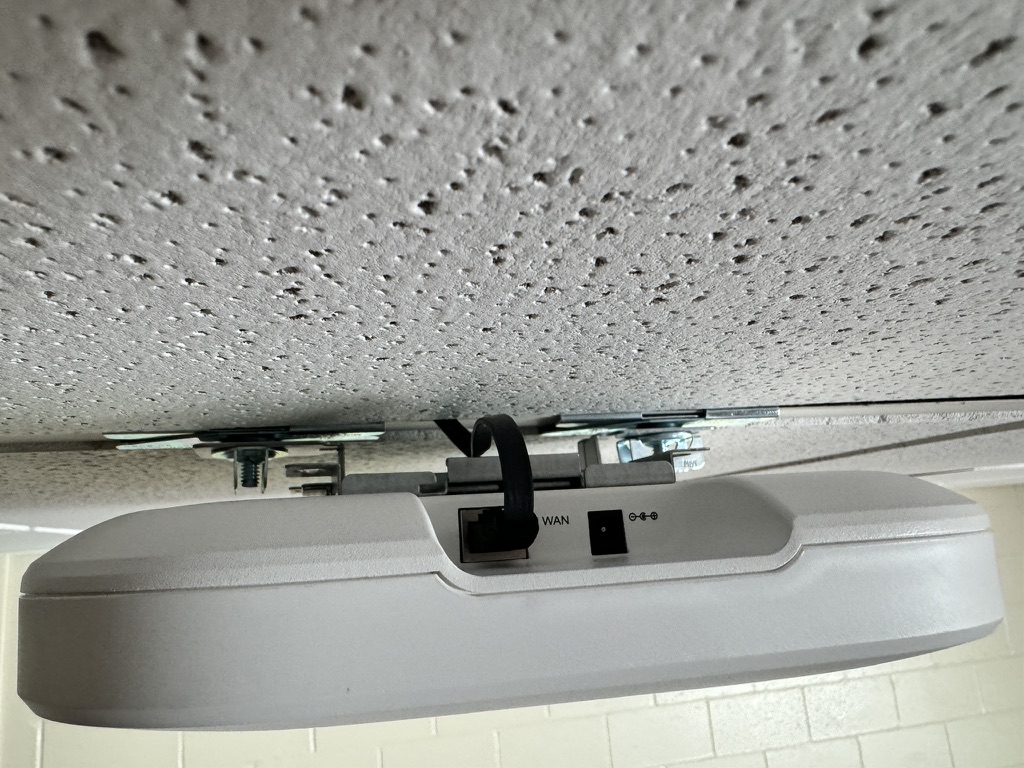
One of the most interesting aspect was using a Flat cable adapter for connecting the Ethernet cable. Poking holes in the ceiling tiles and then cleaning up after that is not fun and time consuming (can’t leave a dirty area after you install the access point), plus if you have to move the AP, now your ceiling tile has a hole. Using this adapter allowed me to cleanly install the access point. I was concerned about using the flat cable but no issues there, all connections were 1 Gig with no errors or problems.
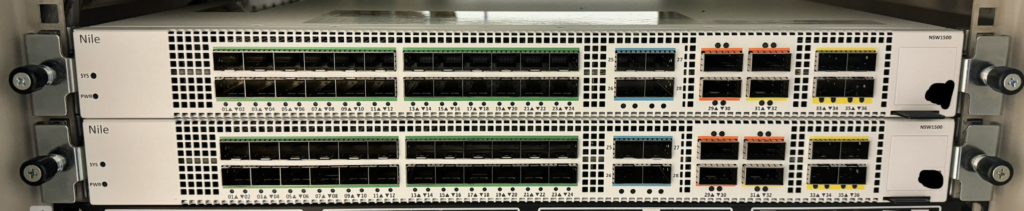
Nile uses Small, Medium and Large options when deploying a new site. Size of the deployment and complexity of the network determines the type of switches and head end devices. For this particular deployment, based on the requirements two Core/Distribution switches were used NSW1500 and NSW200’s were used for the IDF closets.
NSW1500, port config.
- 28x 10GE/25GE + 3x 25GE/40GE/100GE +
- 3x 40/100G QSFP ports
NSW200, port config.
- 48x Gigabit (10M/100M/1000M) and 6x 10G built-in uplinks ports.
- Copper interfaces for down link/client ports.
- 802.3at and bt class 4 up to 90W.
I want to talk about unpacking and racking the NSW1500s. Here is what the box looked like once I opened it.
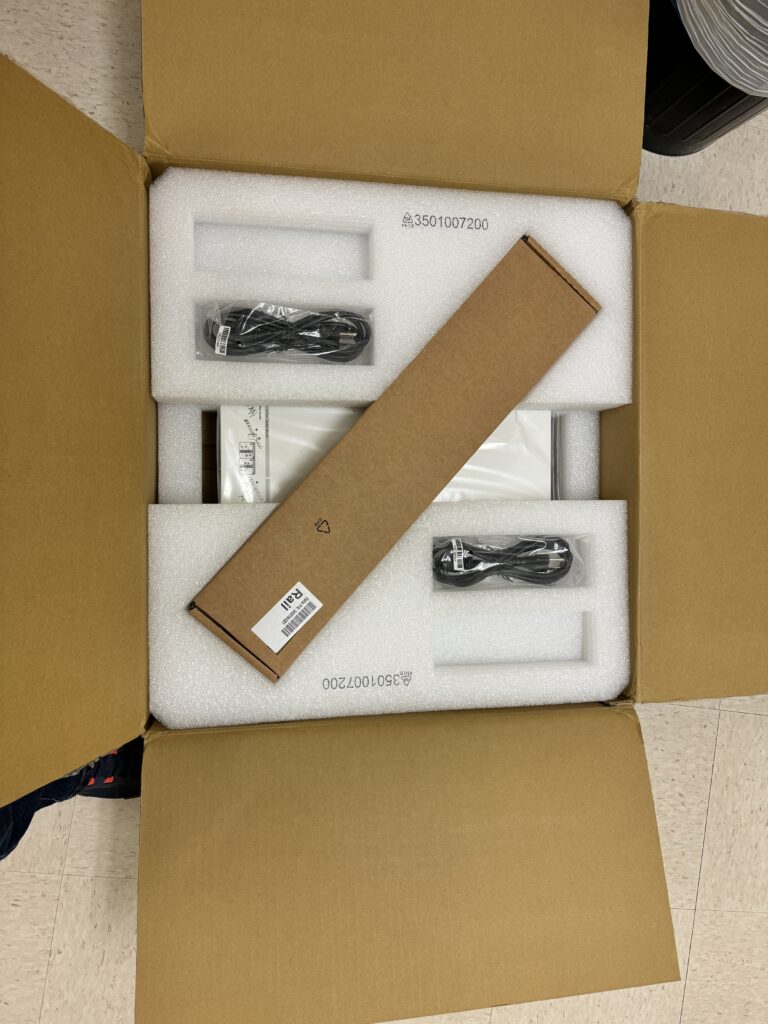
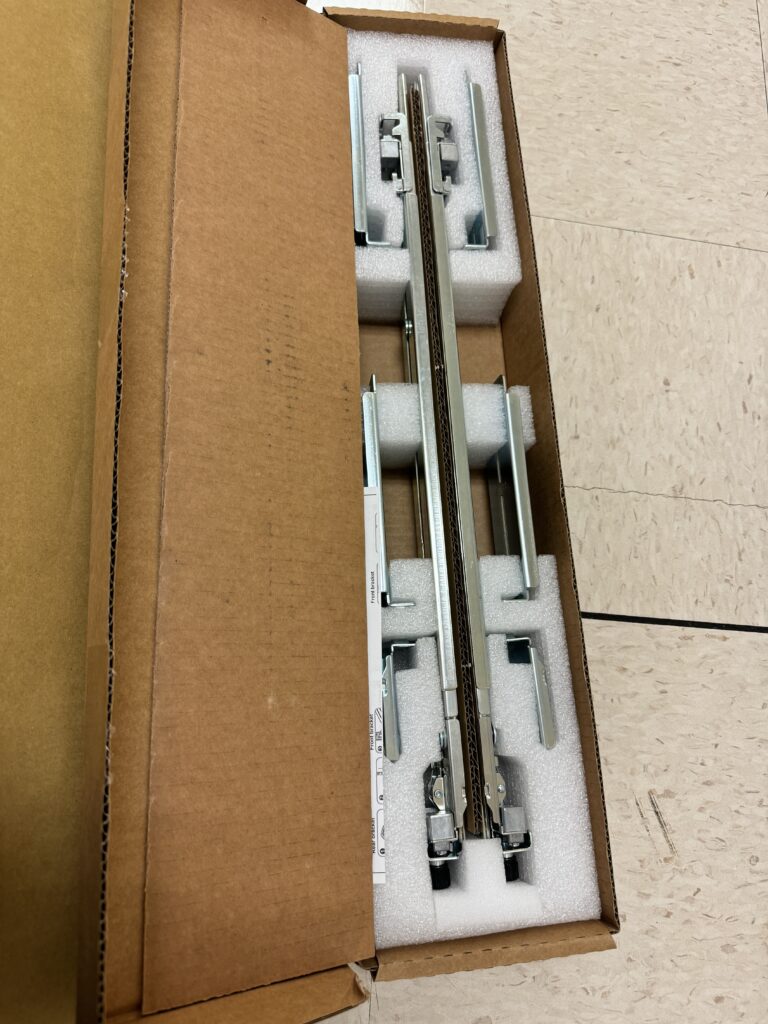
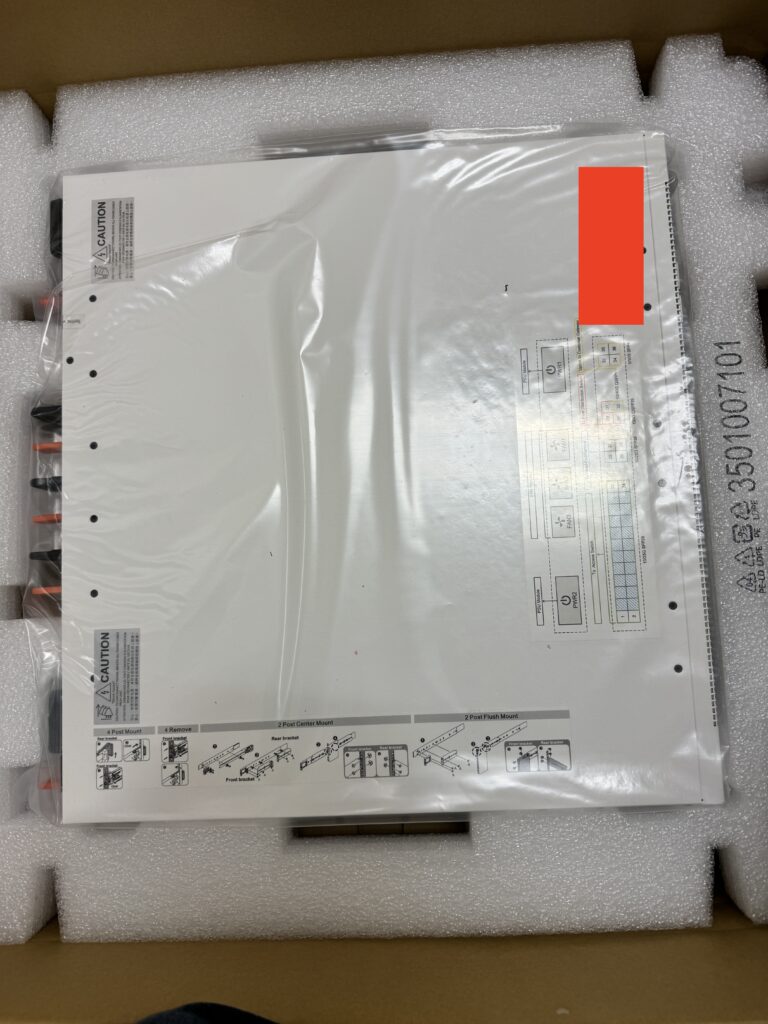
I liked the flexibility and ease of installing these switches (yeah they were heavy). Because of the rack design, I had to make a minor adjustment and move couple of screws to adjust the sliders.
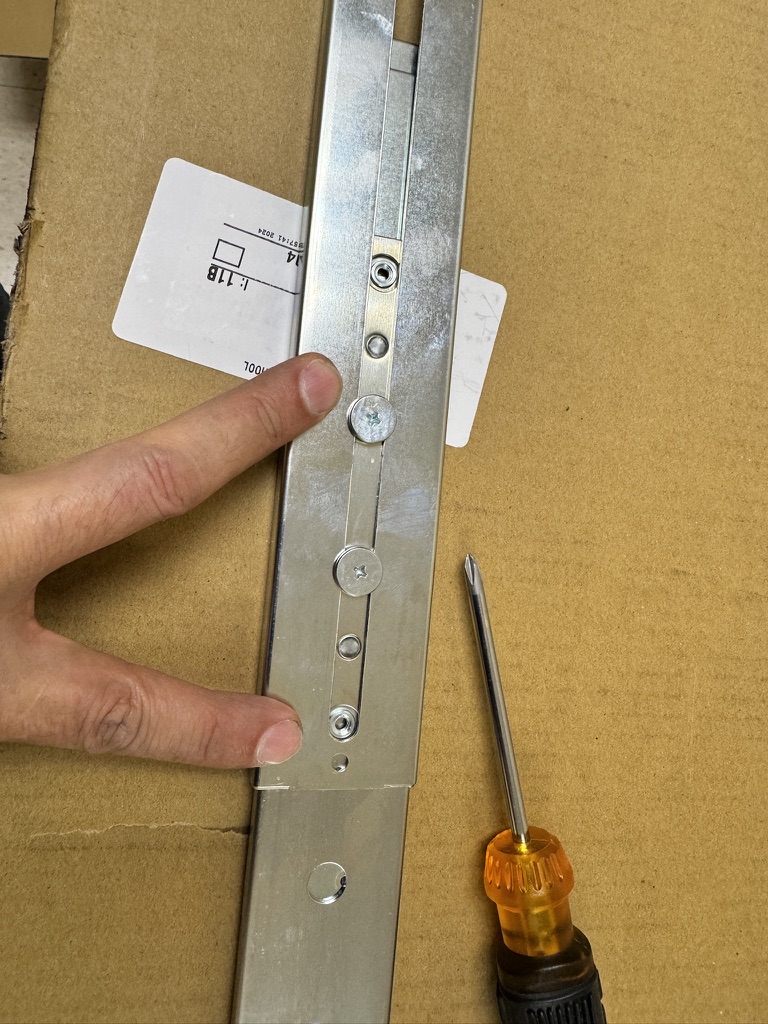
Attaching the rail to the switch is a simple enough procedure.
Provisioning:
Nile has a focus on automating the deployments as much as possible, currently Nile is using a 3rd party app for some of the data gathering and automation, but a custom Nile branded app is in works to further streamline some of the processes. Here is a short and very high level overview of provisioning a typical device:
- Choose the device from the app.
- Confirm location on the map
- Confirm GPS location
- Take pictures
- Add notes if any
- Submit for provisioning
What I really want to discuss here is, provisioning the main Core switches which usually require more configuration and it can be complicated. There are some of the tasks that were needed in this scenario:
- DS01 connected to FW01
- DS02 connected to FW02
- DS01/DS02 connected to each other.
- Configure multiple OSPF links from the firewall to the core switches.
- OSPF links between the cores
- OSPF links from the core to all the IDF switches.
- Configure all the L3 interfaces, loopbacks, DHCP Relay.
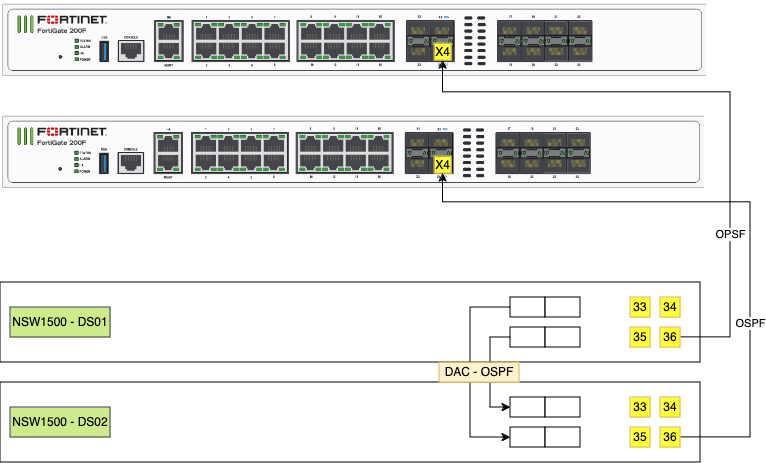
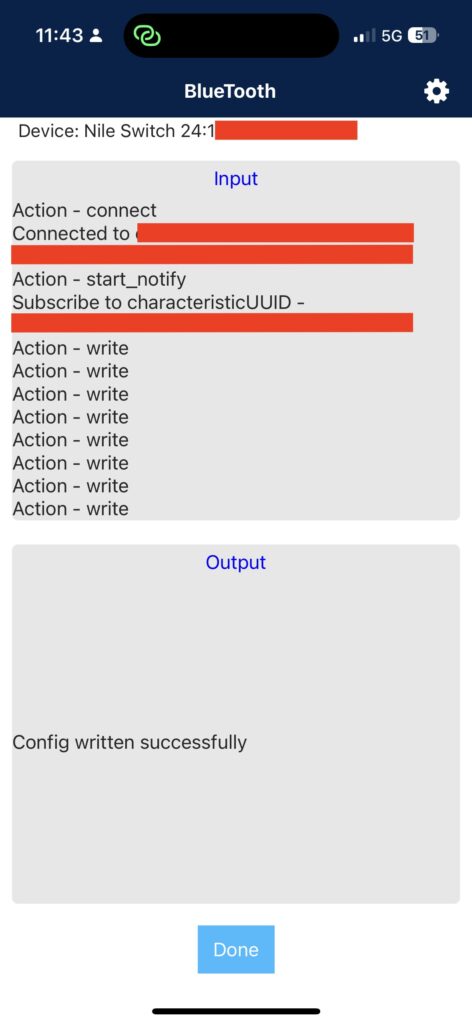
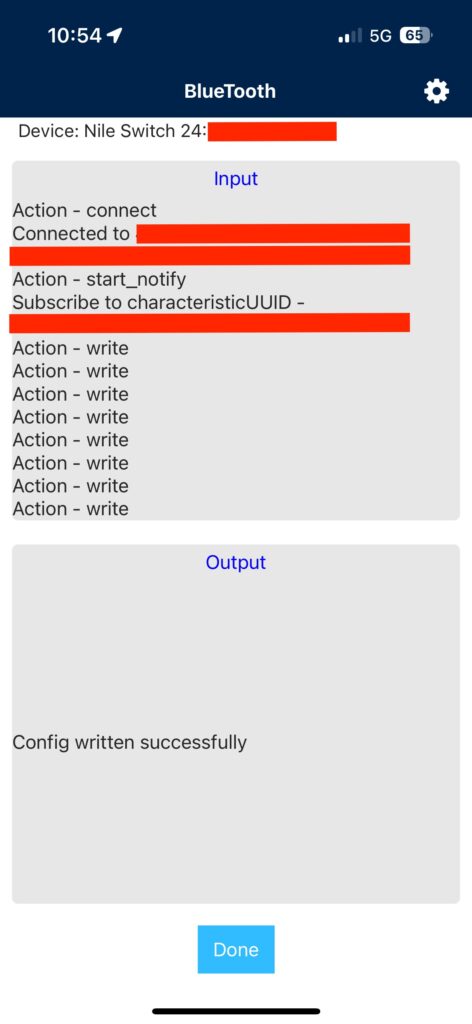
After the switches were connected to the firewalls, I opened up the provisioning app, pulled up the switches, gave it the loop back information and submitted them for provisioning.
It took about 30 seconds per switch to push this out using the app and BlueTooth and I was done. My reaction was a confused and surprised look at Michael Landry – Service Owner Consulting Services @ Nile Secure, and asking him, what else? His response; “You are done”.
App also allows you to automate other things such as deploying SSIDs using APIs (Keep an eye out for the next blog or may be a video to go over other tasks and features that Nile Secure offers).
Support Services:
Lastly, it is important to mention the support services availability during the installation. Project Management, Customer Success Manager, Technical Teams for any questions.
Final Thoughts:
Over all it was a very different and unique experience deploying the Nile Secure solution. I like the thought process into every detail and their ability to communicate and take feedback.
I’d love to see some additional access in the dashboard for the engineers for monitoring and viewing data (NOTE: I believe some of this may already be in progress so I’m looking forward to seeing the production pushes).
Topology diagrams to show the overall network health and connectivity would be an excellent addition to the dashboard (NOTE: I believe this also may already in progress).
Would love to see APIs available for some configuration and monitoring.
And pcaps, yes all engineers love pcaps. Although, there shouldn’t be a need for this feature since Nile is a NaaS, for some advanced users/engineers making this feature available can be mutually beneficial.
Nile Gateway/Firewall to complete a full stack experience.
Have you deployed an NSB (Nile Service Block)? Share your thoughts and let me know what do you think?
Good Day
I purchased the NILE NWA 1000 from Ebay can I use this access point with my regular home network????
Help is there software that I need to configure this ap
Larry Nile does not support this 3rd party approach, you will have to go back to the original seller and work with them.