I had to setup some testing using Windows 11 Pro machines with Palo Alto Firewall and policies. Found out about SMB v3 and Multichannel. It is supposed to increase throughput, improve fault tolerance and automatic configuration. Palo Alto has support for SMB v3, however, recommends disabling it for additional and improved security as multichannel can cause false positives. More on this here.
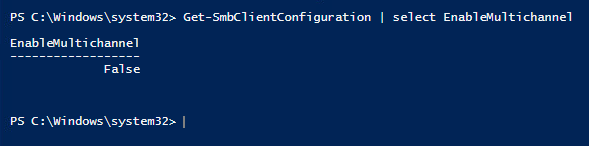
Step 1: Find out if Multichannel is enabled:
Get-SmbClientConfiguration | select EnableMultichannel

Step 2: Execution of scripts was disabled, so I had to enable that first:
Set-ExecutionPolicy RemoteSigned -Scope LocalMachine
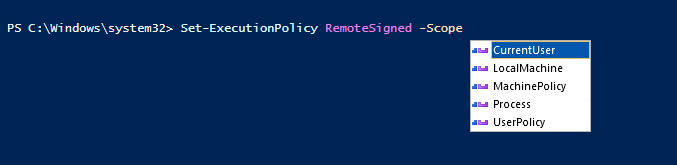
“Yes to All” when the window prompt came up

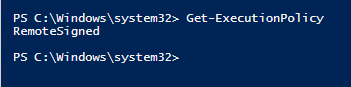
Step 3: Confirm policy is not “Restricted”:
Get-ExecutionPolicy
Step 4: Disable Multichannel:
Set-SmbClientConfiguration -EnableMultiChannel $false

Step 5: Confirm Multichannel is disabled:
Get-SmbClientConfiguration | select EnableMultichannel